216.73.216.52 - United States, La Habra
imac

How to setup PPTP VPN on macOS

Apple has removed native support for the popular PPTP VPN protocol since macOS 10.13 High Sierra due to security reasons. If you are using more modern versions of macOS, configure the connection using the L2TP, IKEv2 or OpenVPN protocols.

1
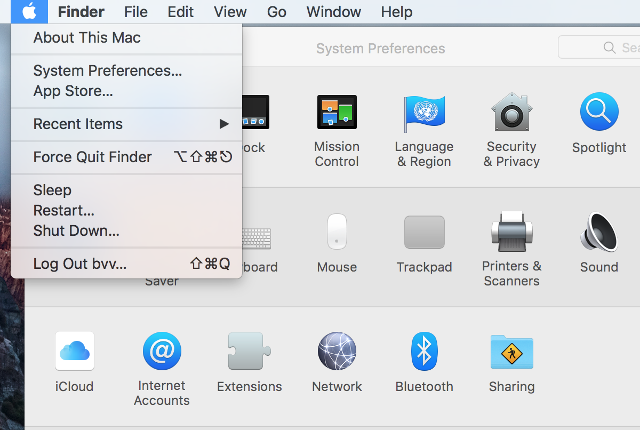
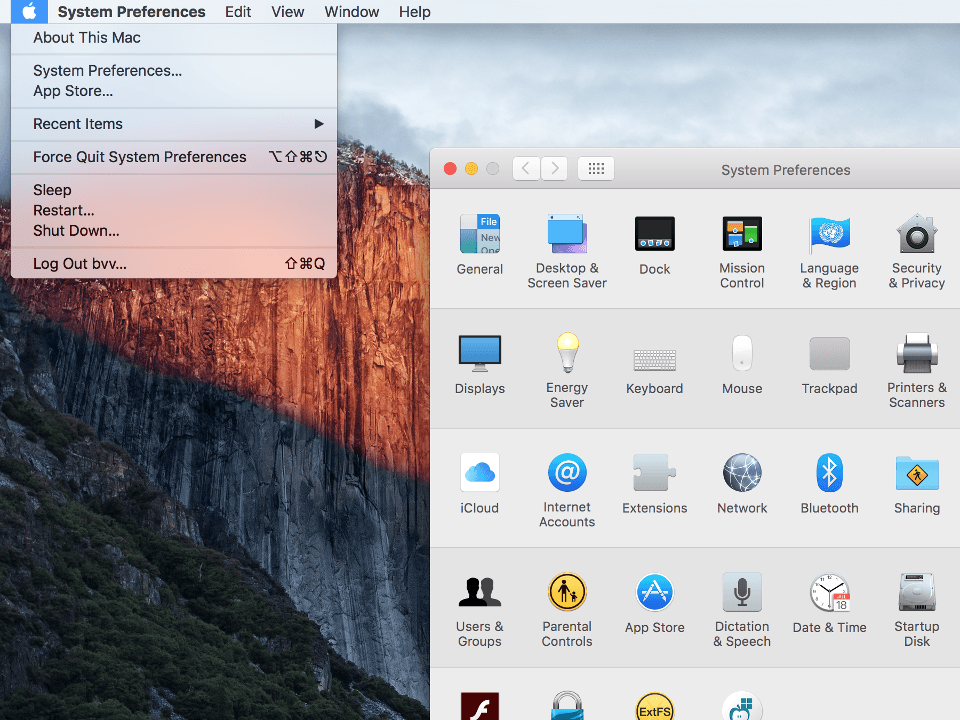
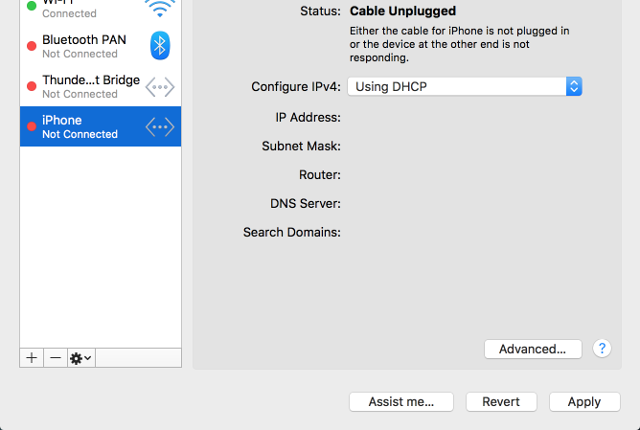
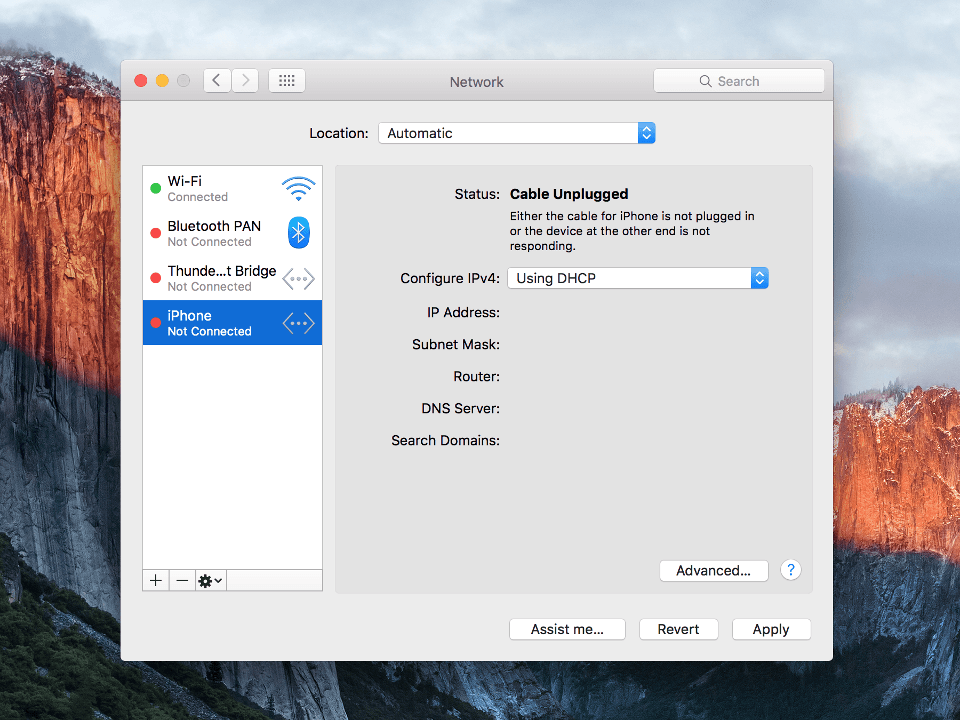
Click on Apple icon snd select System Preferences..., in appeared window click Network.
Next
Setting up PPTP VPN on Mac OS X, step 1 Setting up PPTP VPN on Mac OS X, step 1
2
Click on "plus" icon from bottom left.
Next
Setting up PPTP VPN on Mac OS X, step 2 Setting up PPTP VPN on Mac OS X, step 2
3
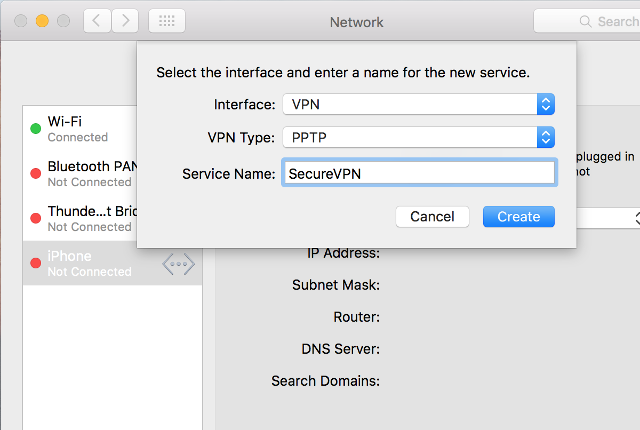
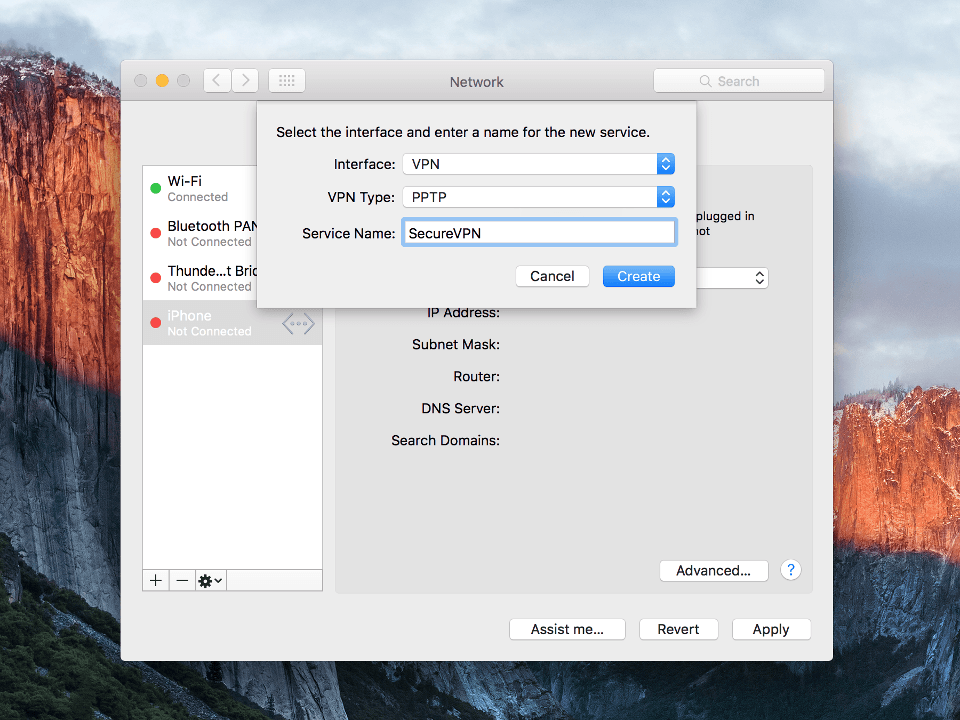
Set the following settings: To continue click Create.
Next
Setting up PPTP VPN on Mac OS X, step 3 Setting up PPTP VPN on Mac OS X, step 3
4
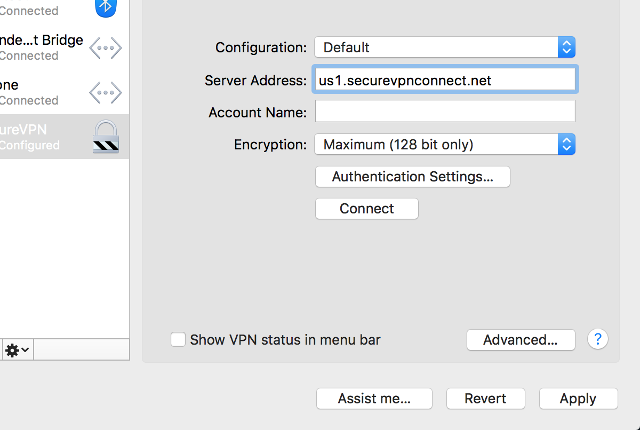
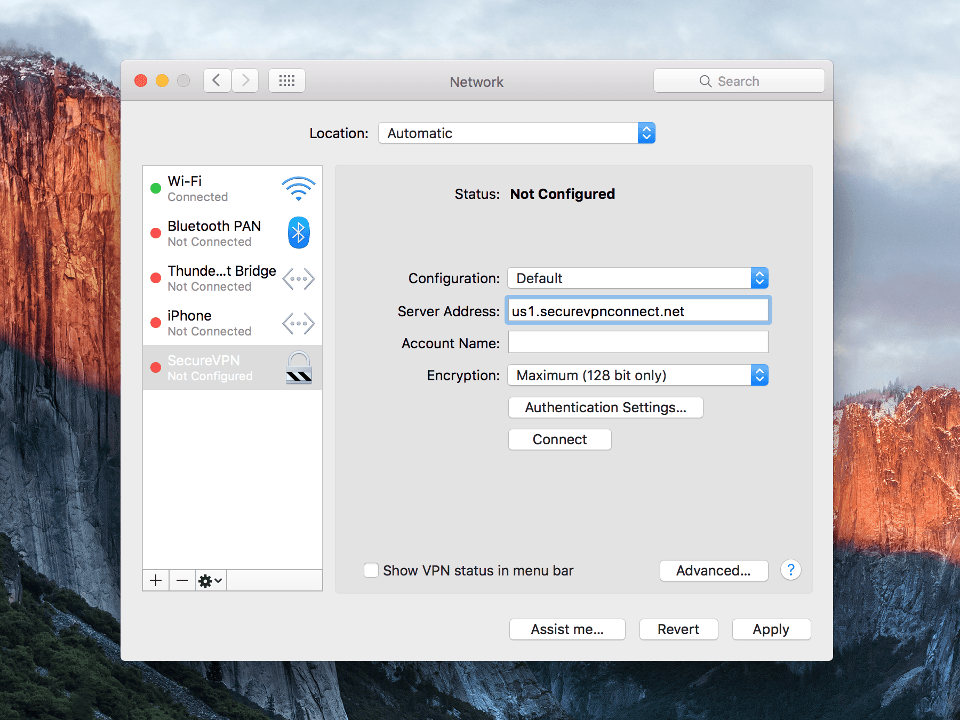
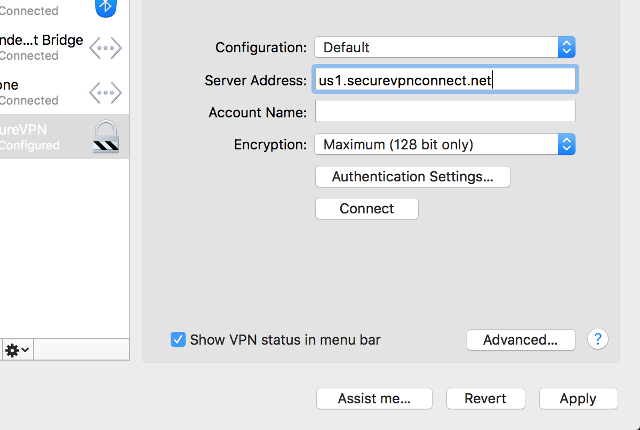
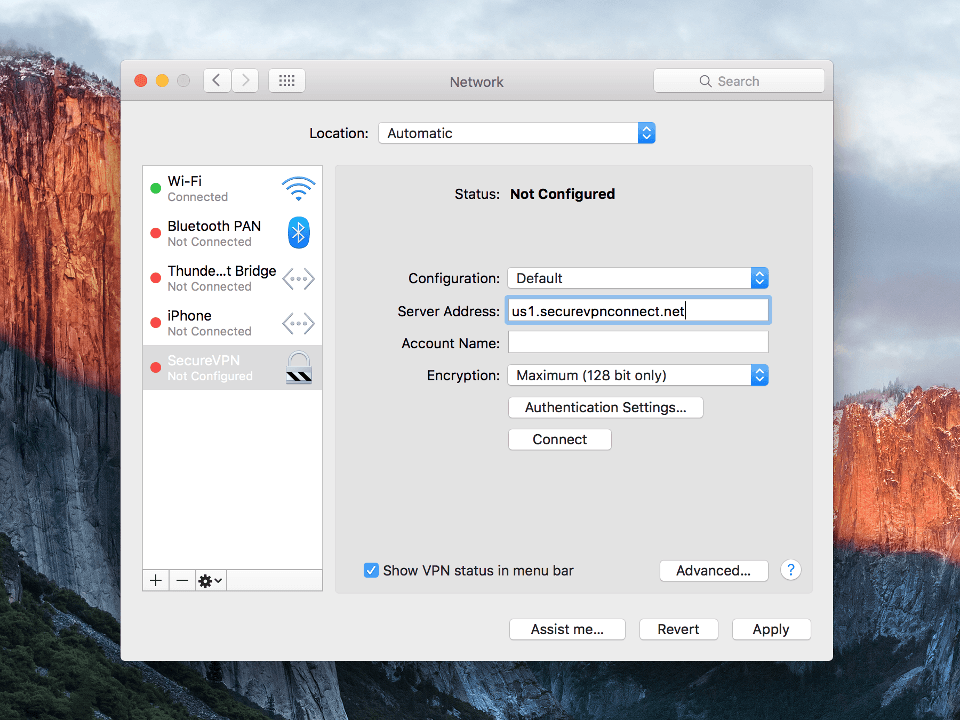
Set connection parameters: To proceed click Authentication Settings.

Important Note: VPN servers list and your VPN username are in the file readme.txt (was sent to your email after ordering the subscription).
Next
username Setting up PPTP VPN on Mac OS X, step 4 Setting up PPTP VPN on Mac OS X, step 4
5
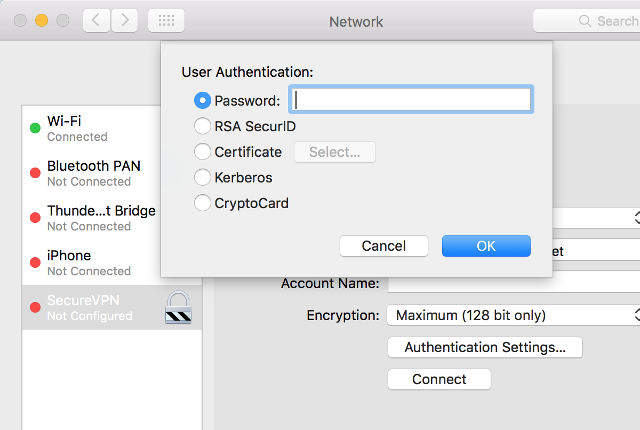
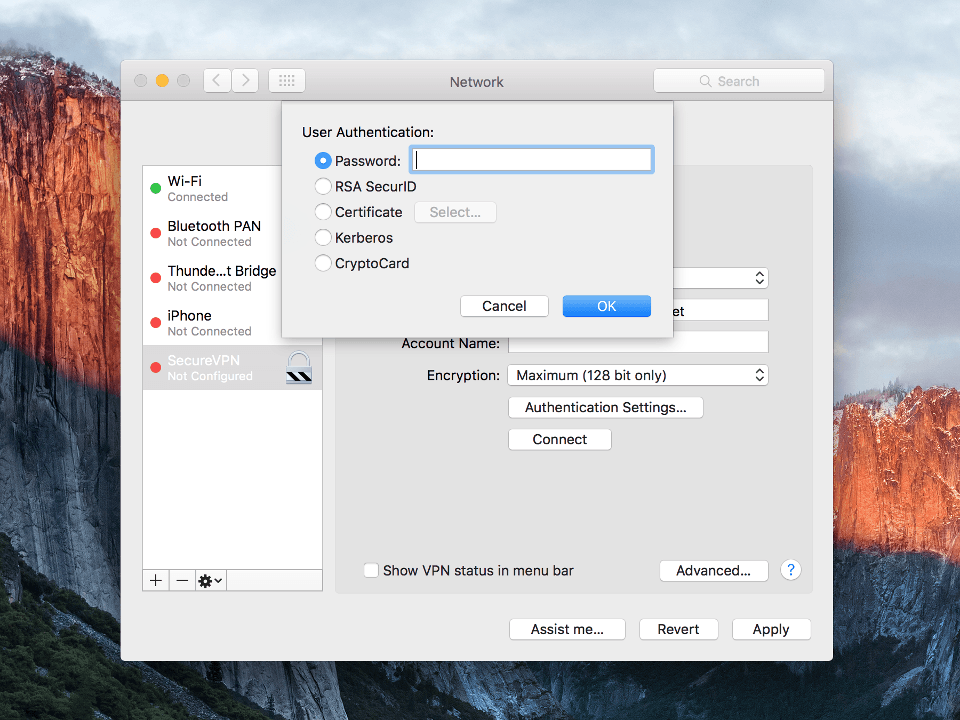
Set Password - password and click OK.

Important Note: your VPN password are in the file readme.txt (was sent to your email after ordering the subscription).
Next
password Setting up PPTP VPN on Mac OS X, step 5 Setting up PPTP VPN on Mac OS X, step 5
username Setting up PPTP VPN on Mac OS X, step 6 Setting up PPTP VPN on Mac OS X, step 6
Setting up PPTP VPN on Mac OS X, step 7 Setting up PPTP VPN on Mac OS X, step 7
8
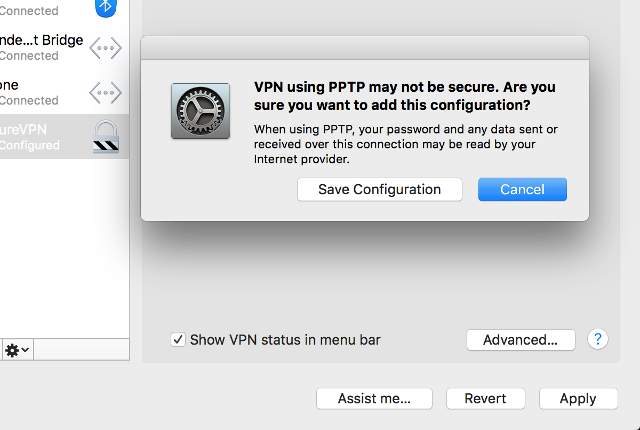
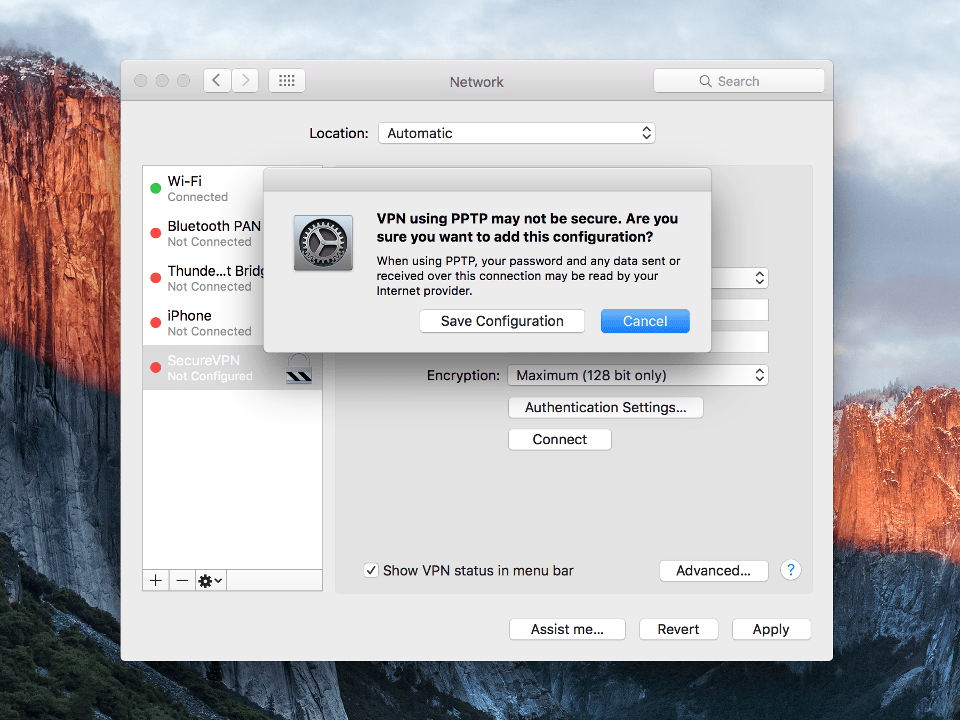
To finish click on Apply and Save Configuration.
Next
Setting up PPTP VPN on Mac OS X, step 8 Setting up PPTP VPN on Mac OS X, step 8
9
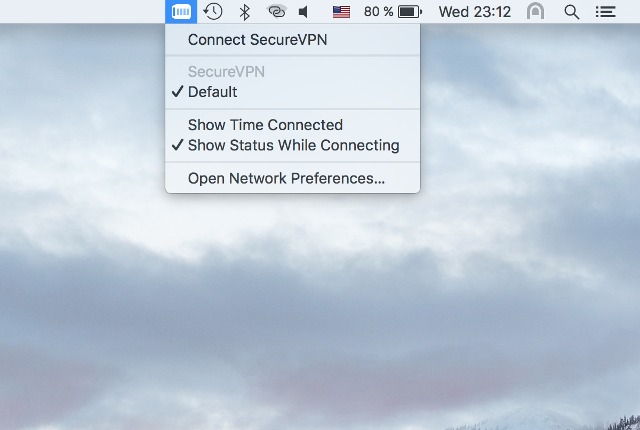
To establish VPN-connection click on VPN icon from status bar and hit Connect.
Next
Setting up PPTP VPN on Mac OS X, step 9 Setting up PPTP VPN on Mac OS X, step 9
10
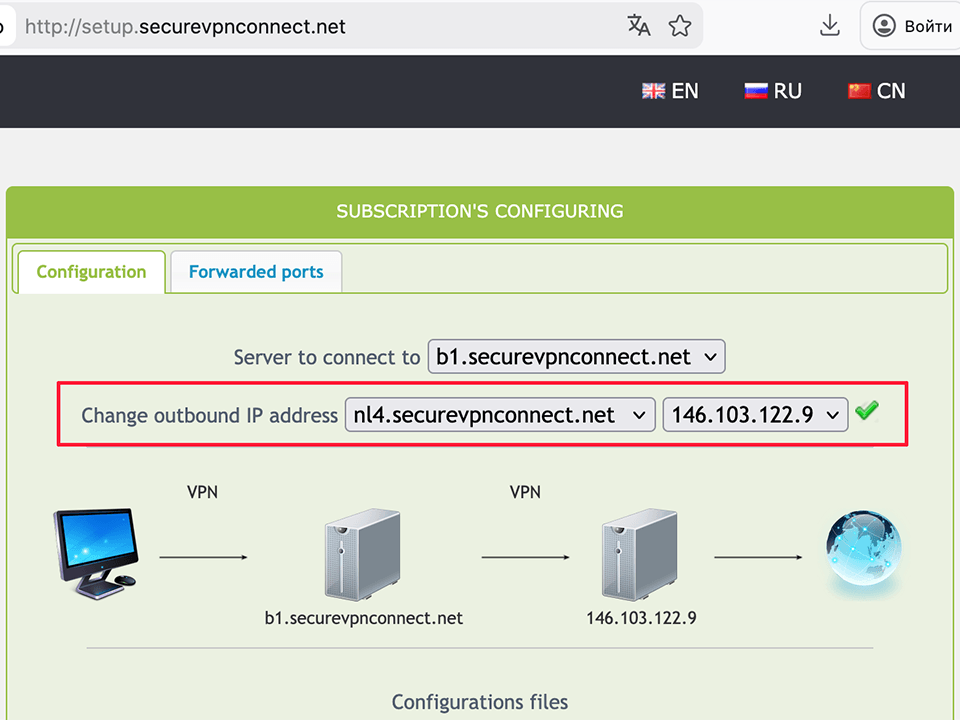
To setup the outgoing IP open the http://setup.securevpnconnect.net when VPN-connection is active. Select the IP address you need and click the green check mark. The address is changed instantly, and the next time you connect to the VPN, the previously set address will be used.

Next
Setting up PPTP VPN on Mac OS X, step 10 Setting up PPTP VPN on Mac OS X, step 10
11
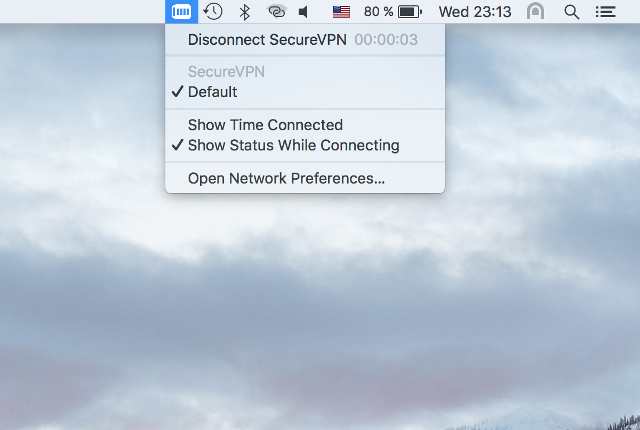
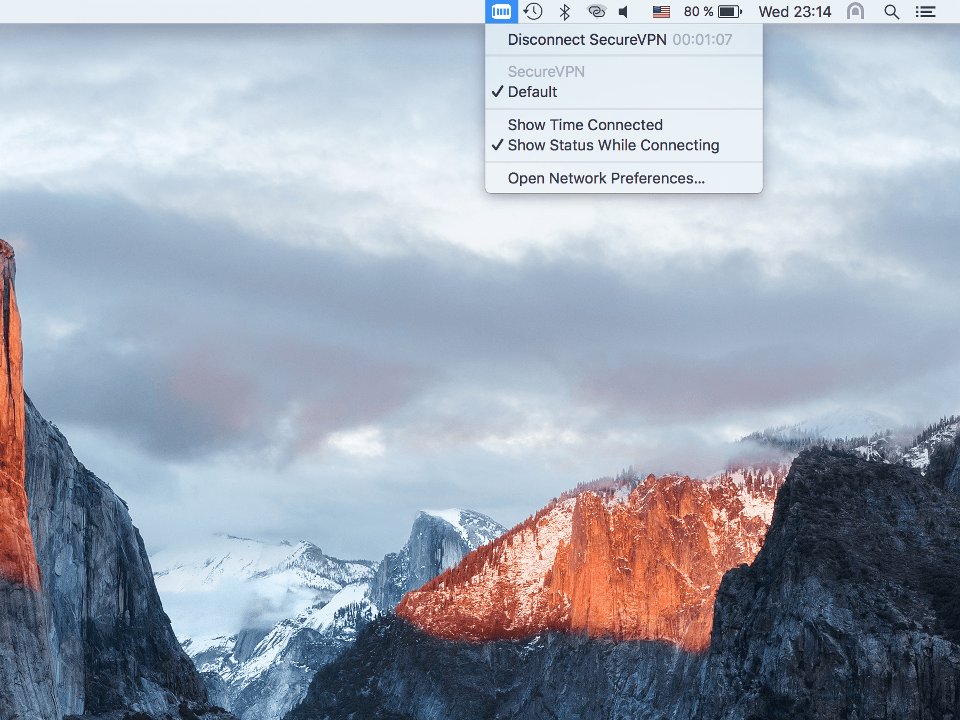
To break VPN-connection click on VPN icon from status bar and select Disconnect.
To top
Setting up PPTP VPN on Mac OS X, step 11 Setting up PPTP VPN on Mac OS X, step 11

Registration


E-mail
Language
Password
Confirm Password

Support and Feedback